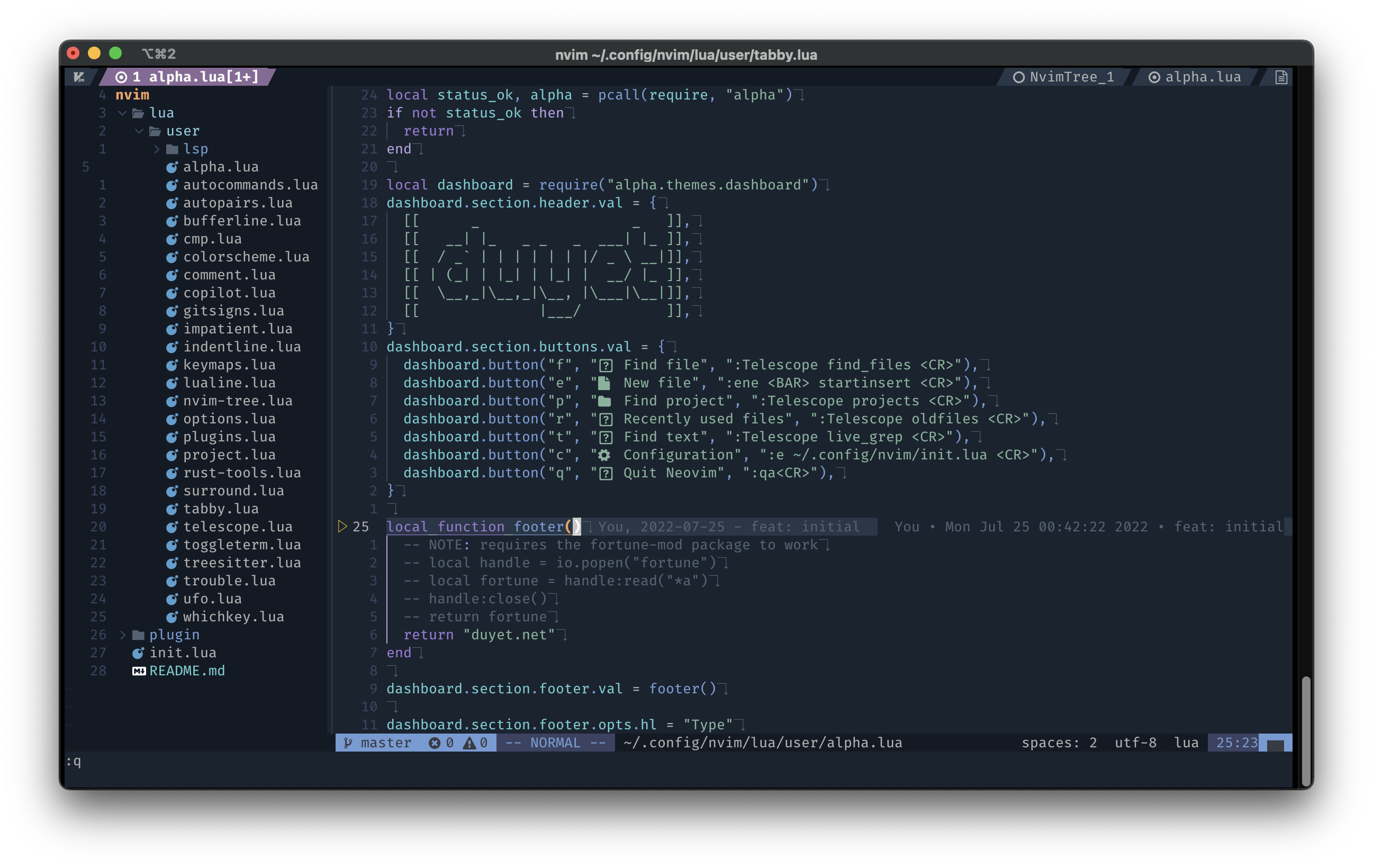
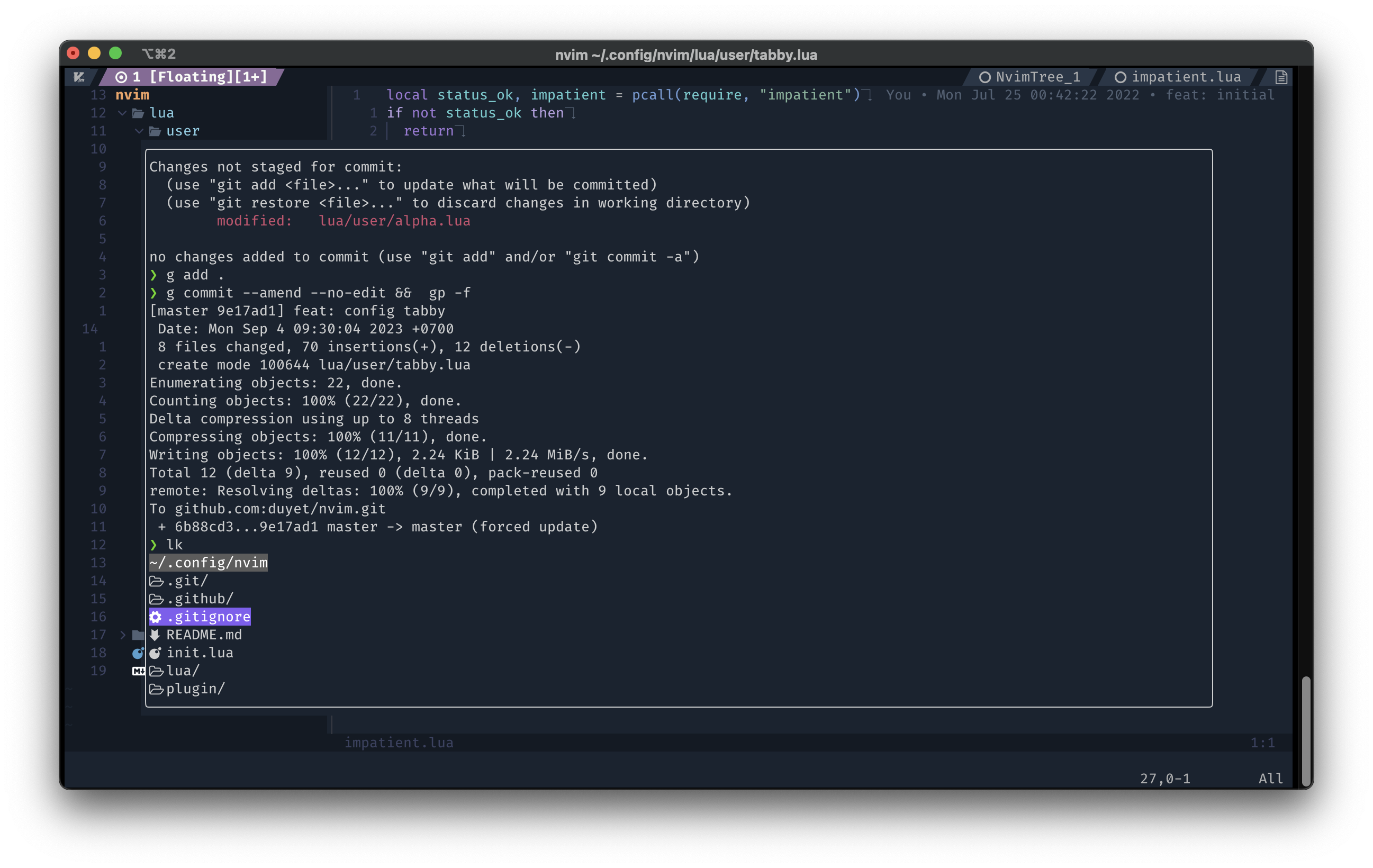
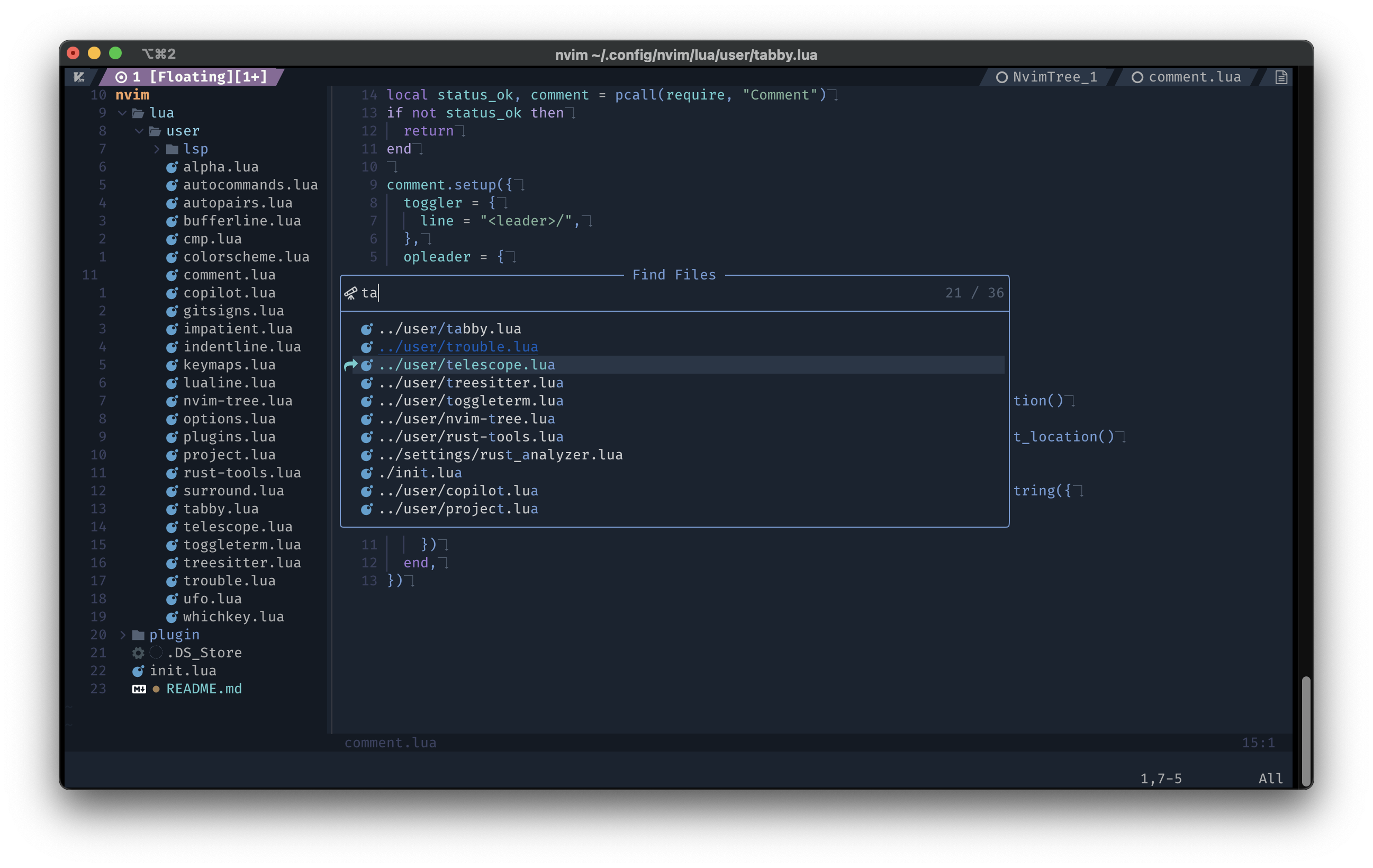
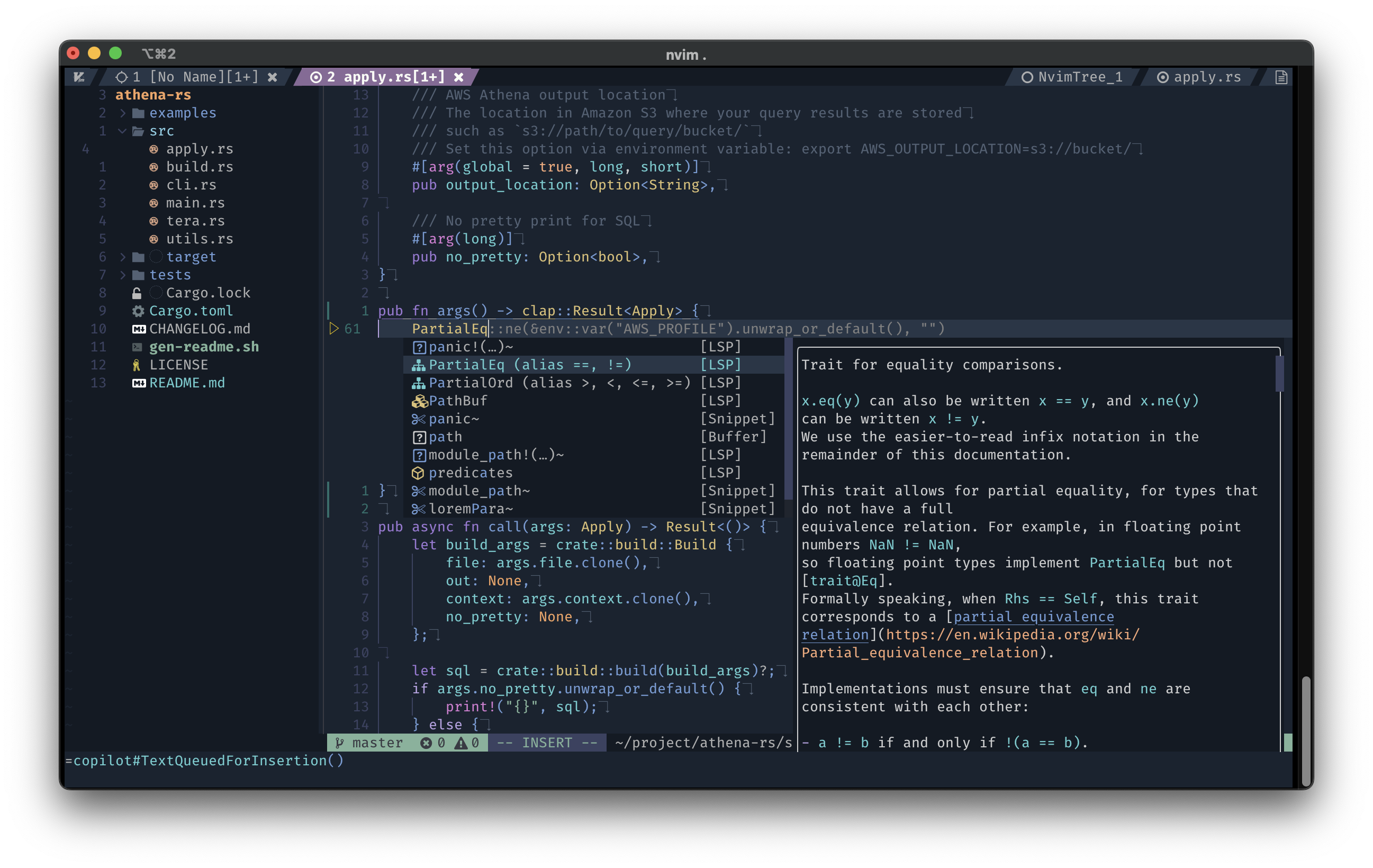
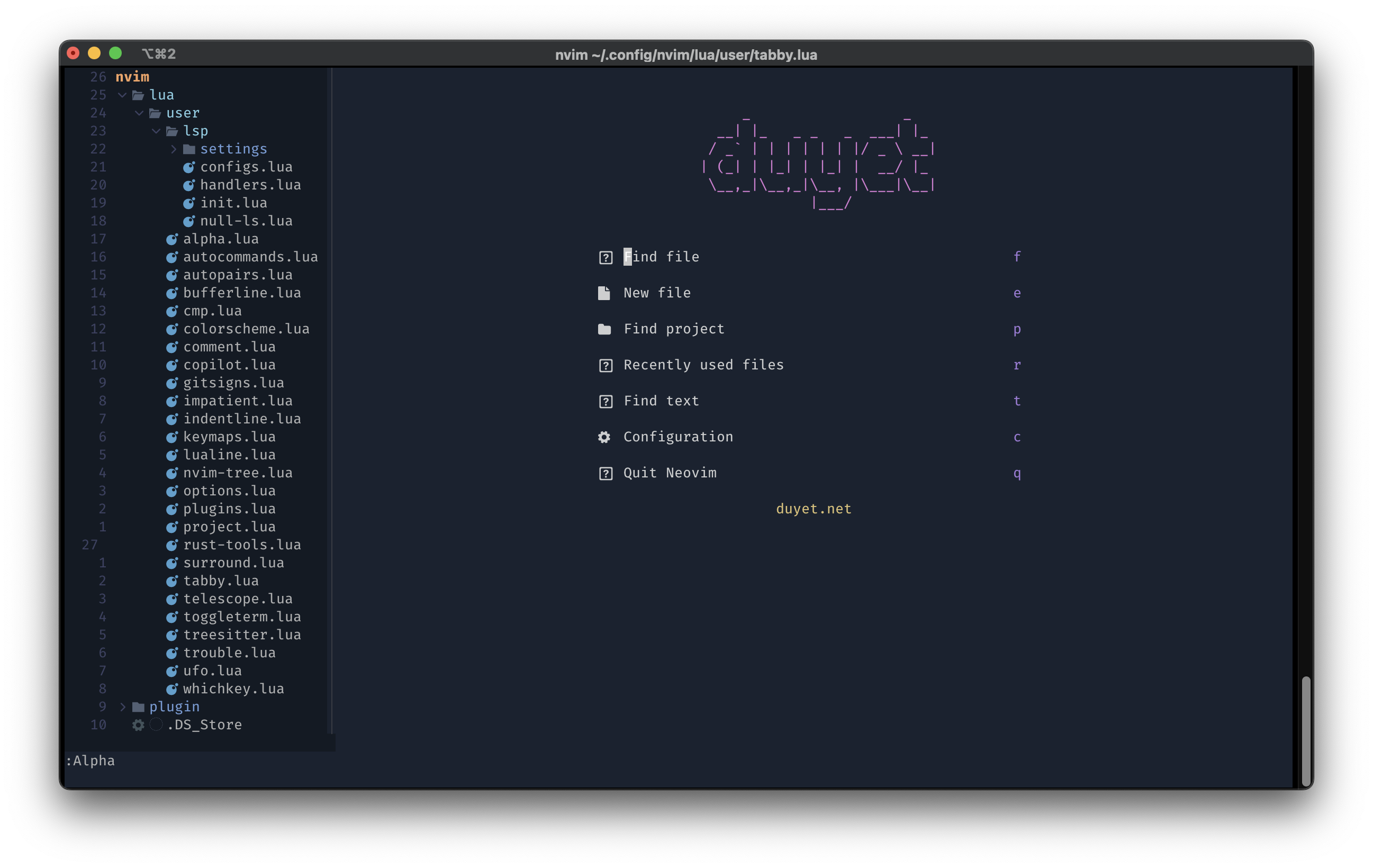
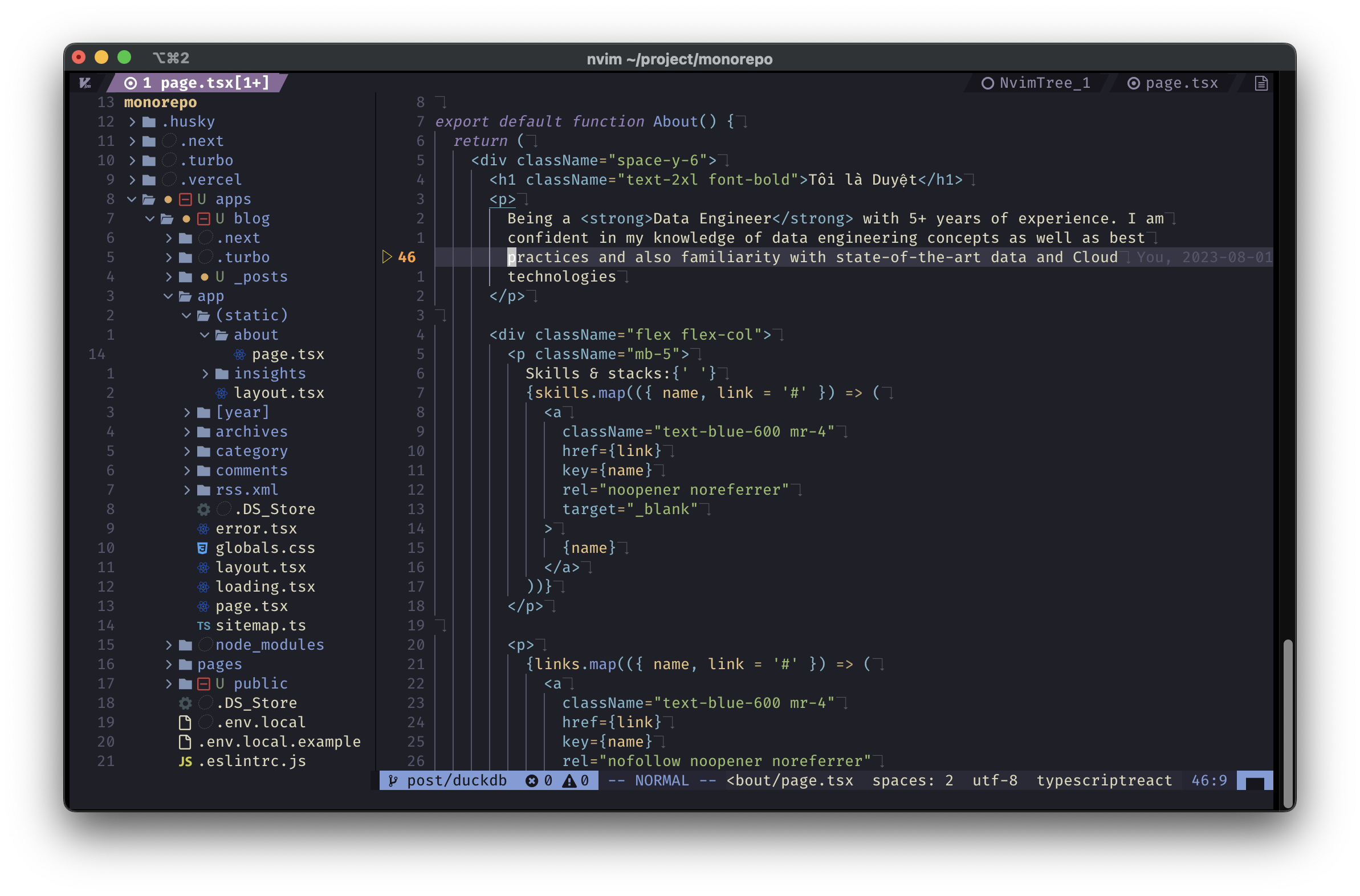
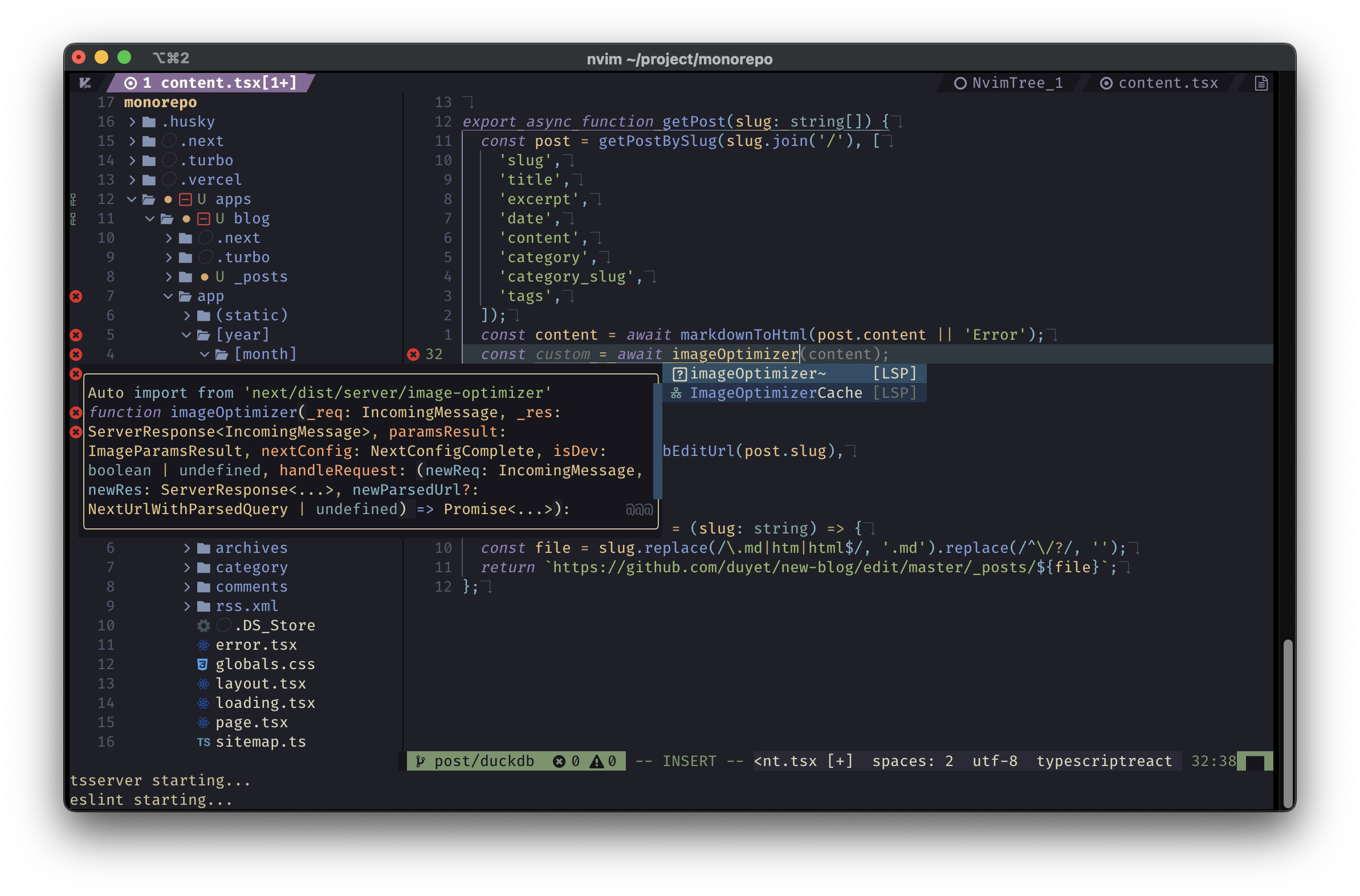
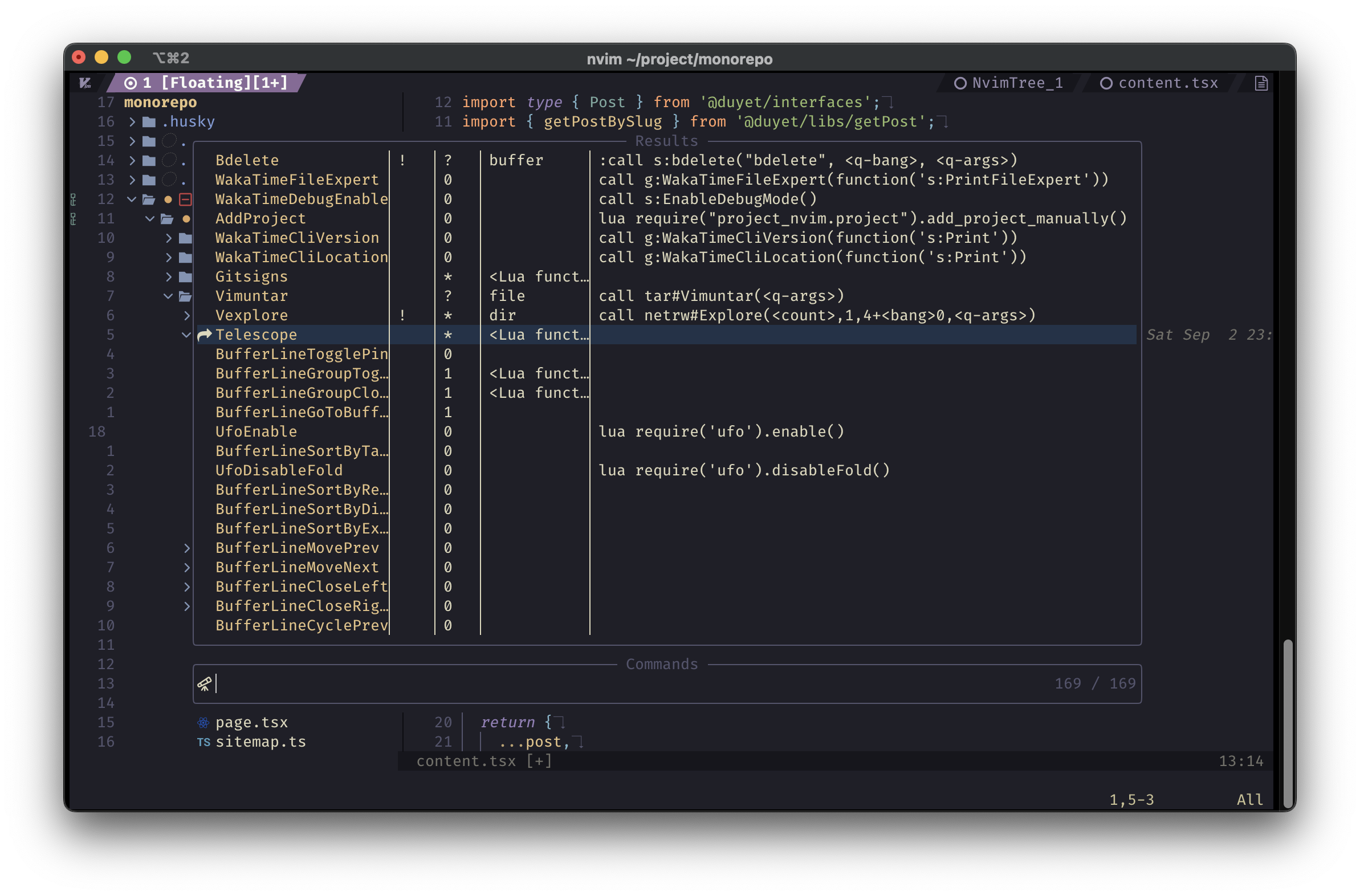
It's been years since I first [started using neovim](https://blog.duyet.net/2021/06/neovim.html) and I've been updating it regularly ever since. <center> <iframe width="560" height="315" src="https://www.youtube.com/embed/HzFWny-BUag?si=LRqkYfwX38tesz_K" title="YouTube video player" frameborder="0" allow="accelerometer; autoplay; clipboard-write; encrypted-media; gyroscope; picture-in-picture; web-share" allowfullscreen></iframe> </center> I made changes to it by adding more plugins and beautiful color schemes, which were originally forked from [Neovim-from-scratch](https://github.com/LunarVim/Neovim-from-scratch). I started managing all my packages using [packer.nvim](https://github.com/wbthomason/packer.nvim) which has made things a lot easier. If you ever forget a key binding, the [which-key.nvim](https://github.com/folke/which-key.nvim) plugin has been a lifesaver. And with the Copilot plugin, my coding productivity has skyrocketed. I also have to give a shoutout to [nvim-tree.lua](https://github.com/nvim-tree/nvim-tree.lua) for doing an amazing job and [telescope.nvim](https://github.com/nvim-telescope/telescope.nvim) for helping me find what I need quickly and easily. If you're interested in my setup, you can check out my repo at https://github.com/duyet/nvim. And if you want to use it for yourself, just clone the repo to your `~/.config` directory using the following command: ```bash git clone https://github.com/duyet/nvim ~/.config/nvim ``` Now, take a look at some screenshots.