I'm looking for some alternatives for Docker. Currently, there are a few of container technologies which are Docker's most direct competitors, such as rkt, Podman, containerd, ... I found that Podman just [release the v3.3.0](https://twitter.com/Podman_io/status/1432800271873323010) that supporting for non-Linux machines, checkpoint/restore, and more. It's performing much the same role as the Docker engine. The Podman CLI is the same as Docker CLI. You can simply alias the Docker CLI, `alias docker=podman`. Docker follows the client/server model, using a daemon to manage all containers under its control. However, Podman, like rkt and LXC, functions without a central daemon. I'm not attempting to convince you to use or not to use Podman, especially ocker has [recently announced](https://www.docker.com/blog/updating-product-subscriptions/) that Docker Desktop will soon require a paid subscription for Team or Business. This is just a note if you want to try it on your Mac. D # Install the Podman on Mac 1. Simple by using Homebrew: ```bash brew install podman ``` 2. Initial the Machine for Podman to run from: ```bash podman machine init ``` 3. Start the Machine ```bash podman machine start ``` 4. (Optional) Make the alias as I mention before ```bash alias docker=podman ``` 5. Some configuration to make it work as the same with Docker engine. Although Docker and Podman CLI commands are similar, but there are a few issues behind the scenes might hit. ```bash podman machine ssh sudo sed -i 's/short-name-mode="enforcing"/short-name-mode="permissive"/g' /etc/containers/registries.conf ``` The `short-name-mode` refers to container images that don't have a full domain name prefixed (e.g. `FROM python:3`, `FROM ubuntu:16`), which will raise an error on Podman. When using Docker, these images are first prefixed with `docker.io` before being pulled. With the `short-name-mode=permissive` config, Podman will try all unqualified-search registries in the given order. Update the `unqualified-search-registries` for your trusted registries: ``` echo 'unqualified-search-registries = ["docker.io", "quay.io"] >> /etc/containers/registries.conf' ``` # Rock in Run the nginx image and try to connect to the port `8000` on the host machine: ```bash podman run --rm -it --publish 8000:80 docker.io/library/nginx:latest ``` ```bash curl http://localhost:8000 ``` 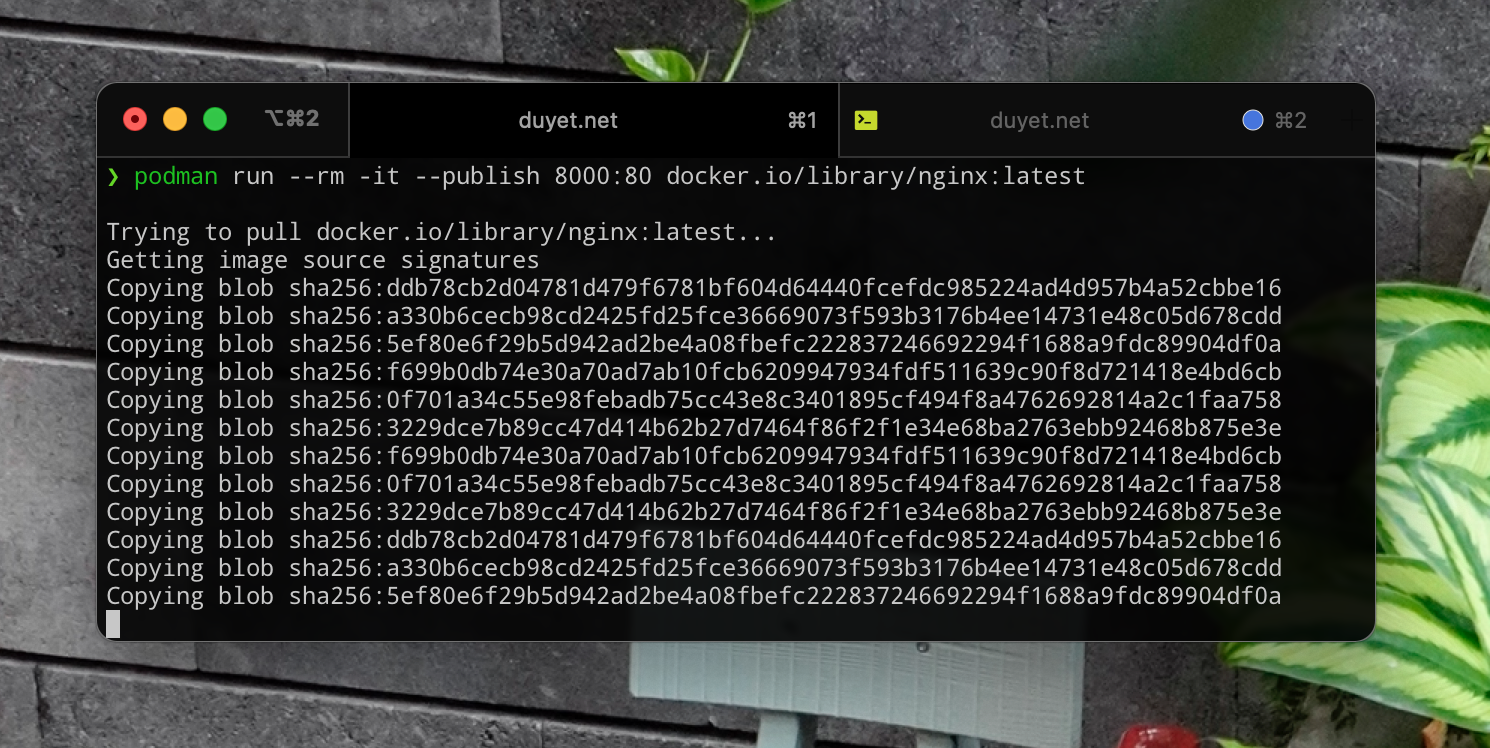 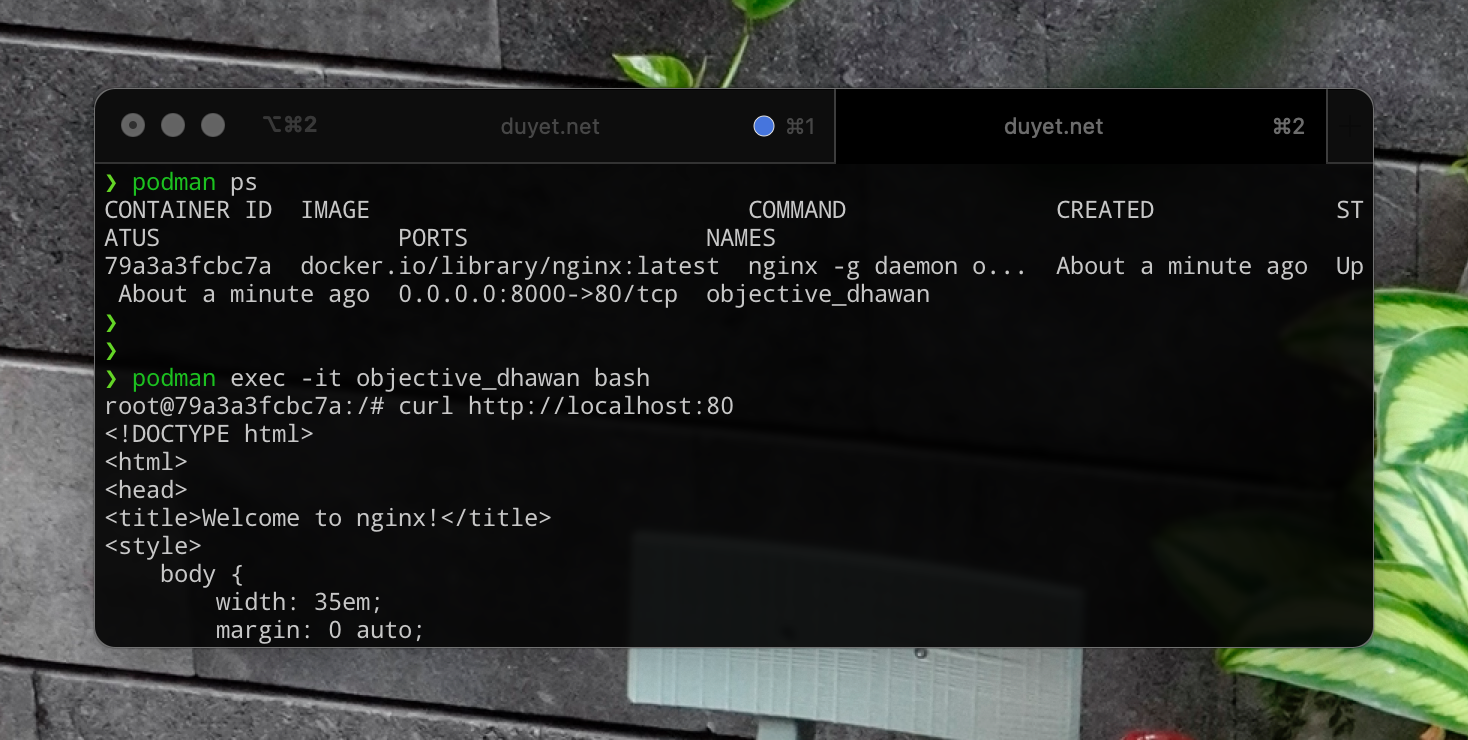 You can use Podman to run rootless containers, compatible with the Docker CLI, and it is a powerful container image for running OCI containers. And I believe it has not worked perfectly out of the box, Podman still has a few bugs compared with Docker, but why don't you give it a try to experiment on it. Anw, you might can try Podman quickly by go to [this url](https://www.katacoda.com/courses/containers-without-docker/running-containers-with-podman) by Katacode, which offers an interactive environment directly in your browser. # References - https://podman.io/whatis.html - https://developers.redhat.com/blog/2020/11/19/transitioning-from-docker-to-podman#how_to_stop_and_remove_a_container - https://www.redhat.com/en/blog/container-migration-podman-rhel