With this simple package, you can create your own static server simply by Nodejs.
Vietnamese version: [https://blog.duyet.net/2015/08/tao-server-static-don-gian-bang-nodejs.html](https://blog.duyet.net/2015/08/tao-server-static-don-gian-bang-nodejs.html)
## Installation
```
$ npm install static-html-server -g
```
## Folder tree structure
I created a project directory structure is as follows:
- index.html
- style.css
With path is: ~/project/test-static-server

## Start server
I started server by using:
```
$ static-html-server -p 8888 -r ~/project/test-static-server
```
And with:
- -p 8888 is the port of static server, by default is 7788.
- -r ~/project/test-static-server is the path to root folder project, default is current folder location.
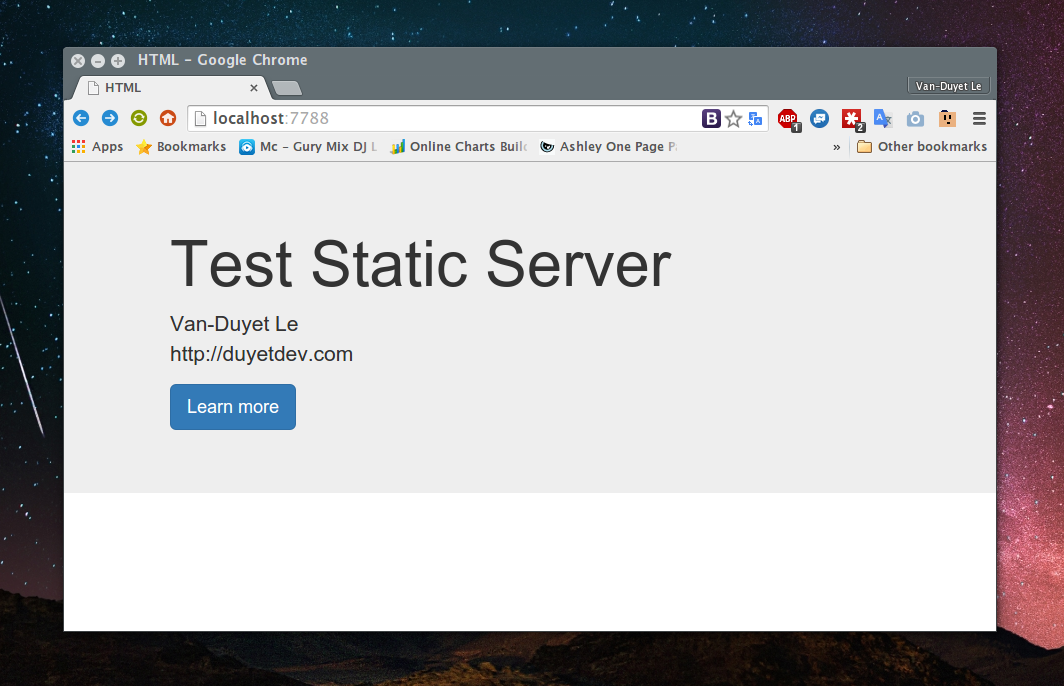
Open your browser and enter to location: http://localhost:8888
Result is:
## Github Project
Github repo: [https://github.com/duyet/static-html-server](https://github.com/duyet/static-html-server)
Issues: [https://github.com/duyet/static-html-server/issues](https://github.com/duyet/static-html-server/issues)